
sp2s國際版主機抽不出來煙怎麼處理?
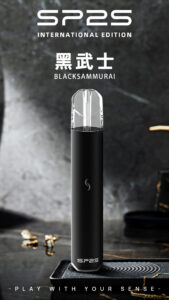
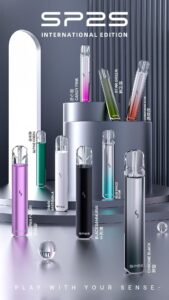
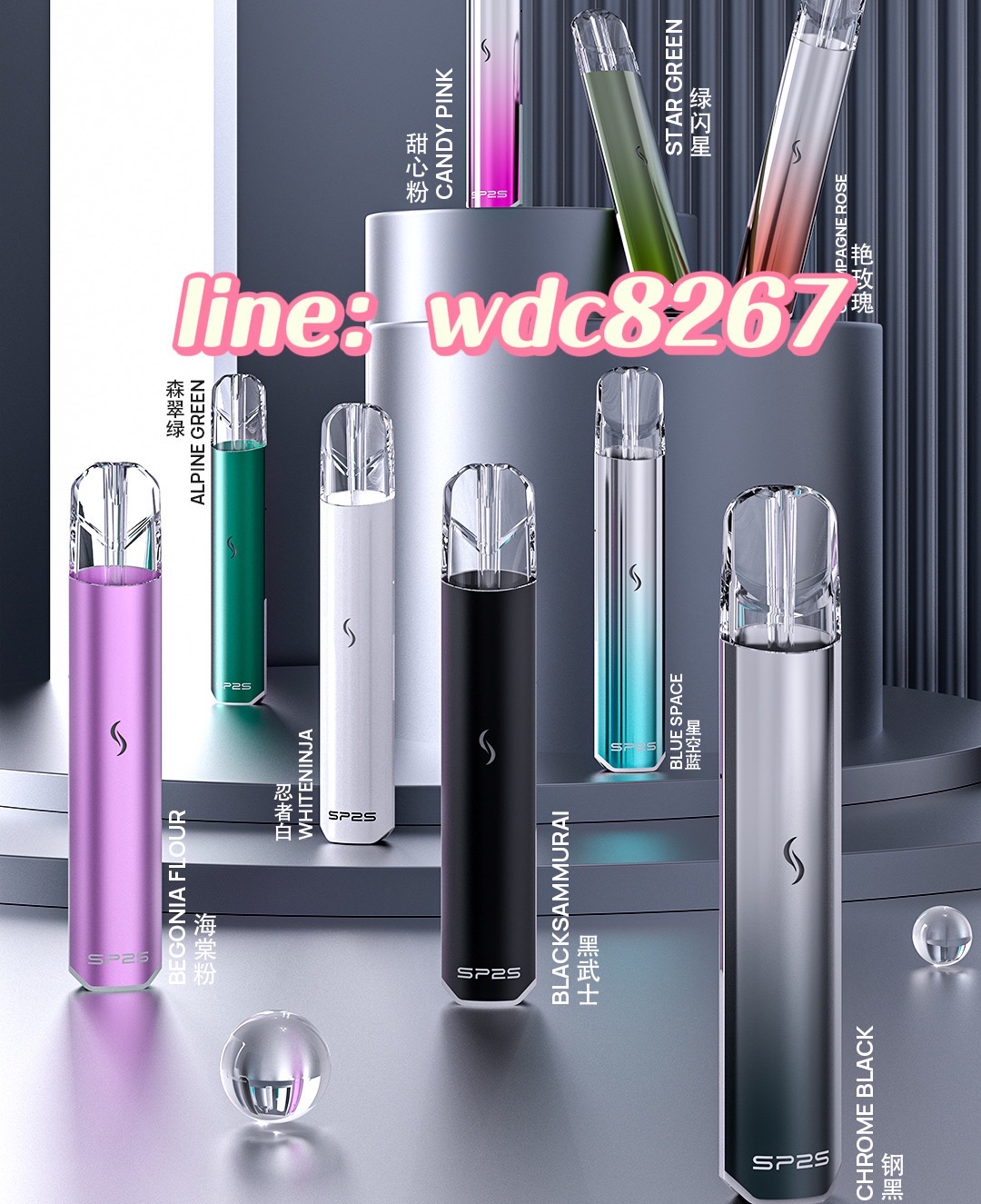
SP2S國際版主機抽不出來煙的處理方法
- 檢查煙彈:確認煙彈已正確安裝在主機上,確保連接緊密。若未正確安裝,可能會導致無法產生煙霧。
- 檢查電量:查看主機的電池電量,確保主機有充足的電量來產生煙霧。若電量過低,請充電。
- 清潔通氣孔:檢查主機的通氣孔是否被堵塞,如有污垢或液體,清潔它們以保證氣流暢通。
- 更換煙彈:如果檢查後煙彈和主機都正常,但仍無法產生煙霧,可能是煙彈本身故障,考慮更換新的煙彈。
- 重啟主機:有時候進行一次重啟可以解決小故障,將主機關閉,稍等片刻再打開。
- 諮詢客服:如果以上步驟無法解決問題,建議聯繫客戶服務或專業技術支持以獲得幫助。
sp2s國際版主機抽不出來煙怎麼處理?
Handling Issues with SP2S International Edition Not Producing Vapor
- Check the Pod: Ensure that the pod is correctly installed in the device and that the connection is tight. Incorrect installation may lead to no vapor production.
- Check Battery Level: Check the battery level of the device to ensure it has enough power to produce vapor. If the charge is low, recharge the device.
- Clean Airflow Vents: Inspect the airflow vents on the device for blockages. Clean any dirt or liquid to ensure unobstructed airflow.
- Replace the Pod: If both the pod and device seem fine but vapor is still not being produced, the pod itself may be faulty. Consider replacing it with a new one.
- Restart the Device: Sometimes a simple restart can help resolve minor issues. Turn off the device, wait a moment, and then turn it back on.
- Contact Customer Support: If the above steps do not resolve the issue, it is advisable to contact customer service or technical support for further assistance.
如有任何進一步的問題或需要更多幫助,隨時告訴我!